 KIRA
KIRAProjects
A project keeps the token setup, dev position, bundle, launch result, chart, and PNL together.
Info
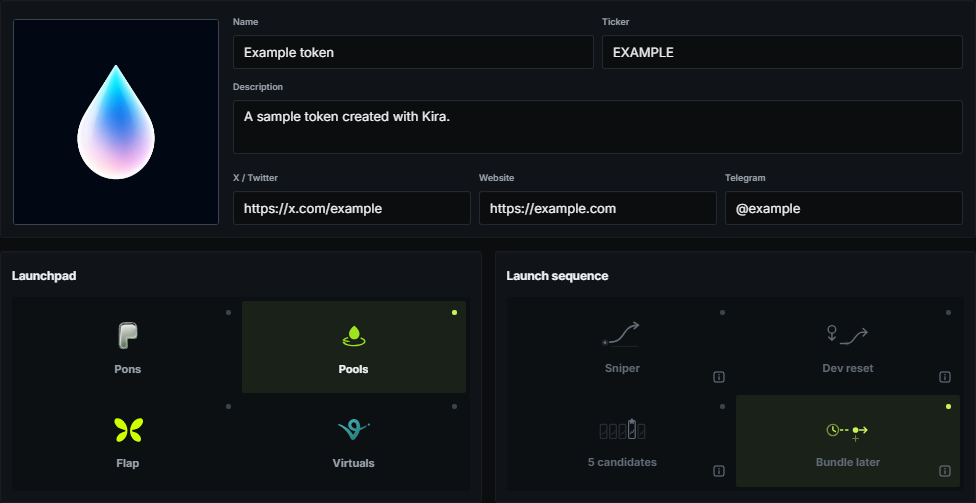
Enter the token name and ticker, add optional media and links, then choose the launchpad and launch mode. Name and ticker unlock the Dev page. Fields that only matter to one launchpad appear only when that launchpad is selected.
Dev
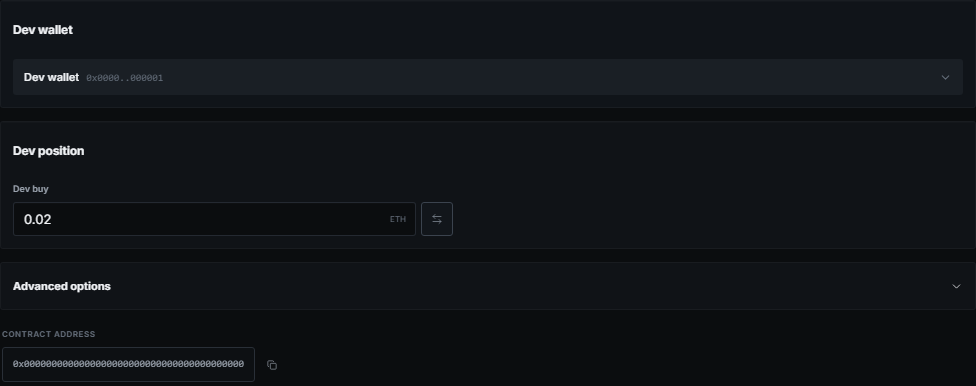
Select the dev wallet first. A dev buy can be entered as a native amount or, where supported, as a supply percentage. A selected dev with a zero buy is valid.
Advanced options contain launchpad-specific actions such as auto burn, creator settings, lock settings, or quote configuration. Five candidates can select a whole dev group because each candidate needs its own dev wallet.
Bundle
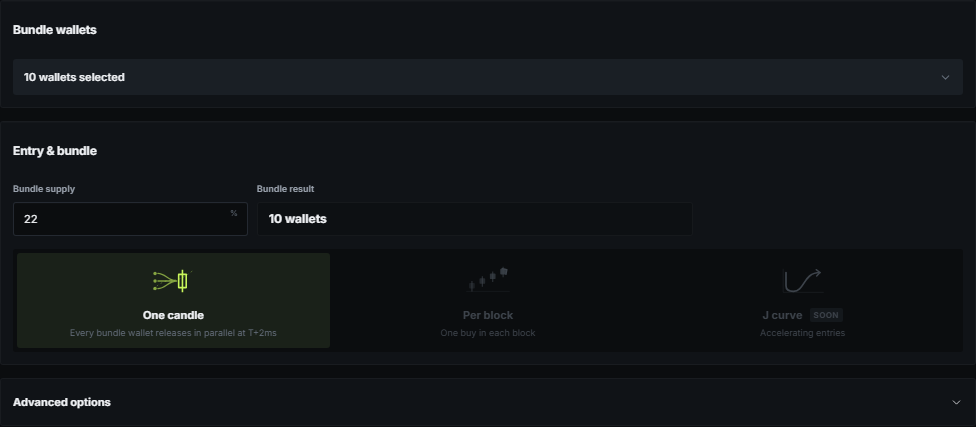
Select the bundle wallets, then enter the total supply for the whole group. Kira sizes each wallet differently from its available balance and the launch curve. Choose whether the entry is one coordinated wave, spread across blocks, or follows another available entry pattern.
The final-holder panel stays beside the project and updates from the resolved plan. It is the place to check which wallets should hold supply after any configured transfers.
Launch and reuse
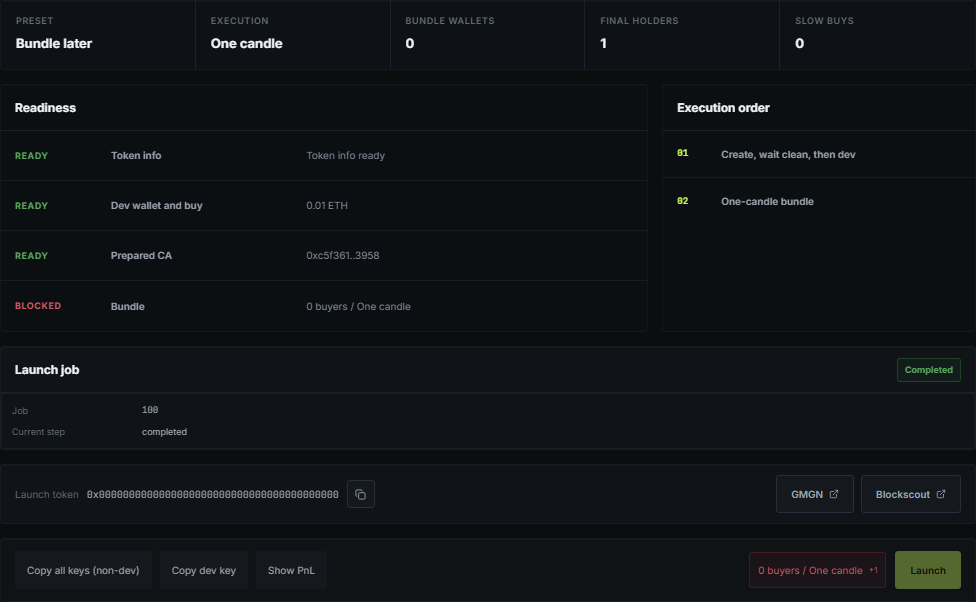
Launch shows only the checks that matter now: token, dev, bundle, funding, and launch preparation. A missing item links back to the page that needs attention.
After deployment, the project keeps its chart. Clicking the project action creates a fresh duplicate with the same user settings, new launch-specific addresses, and a newly calculated bundle instead of resetting the deployed project.