 KIRA
KIRAQuick start
Prepare the wallets first, fund them, then build the project. Kira carries the same wallet groups through every step.
Build your wallet groups
Open Wallets on the chain you plan to use. Create one group for dev wallets and another for bundle wallets. Keeping those roles separate makes project selection and later trading much clearer.
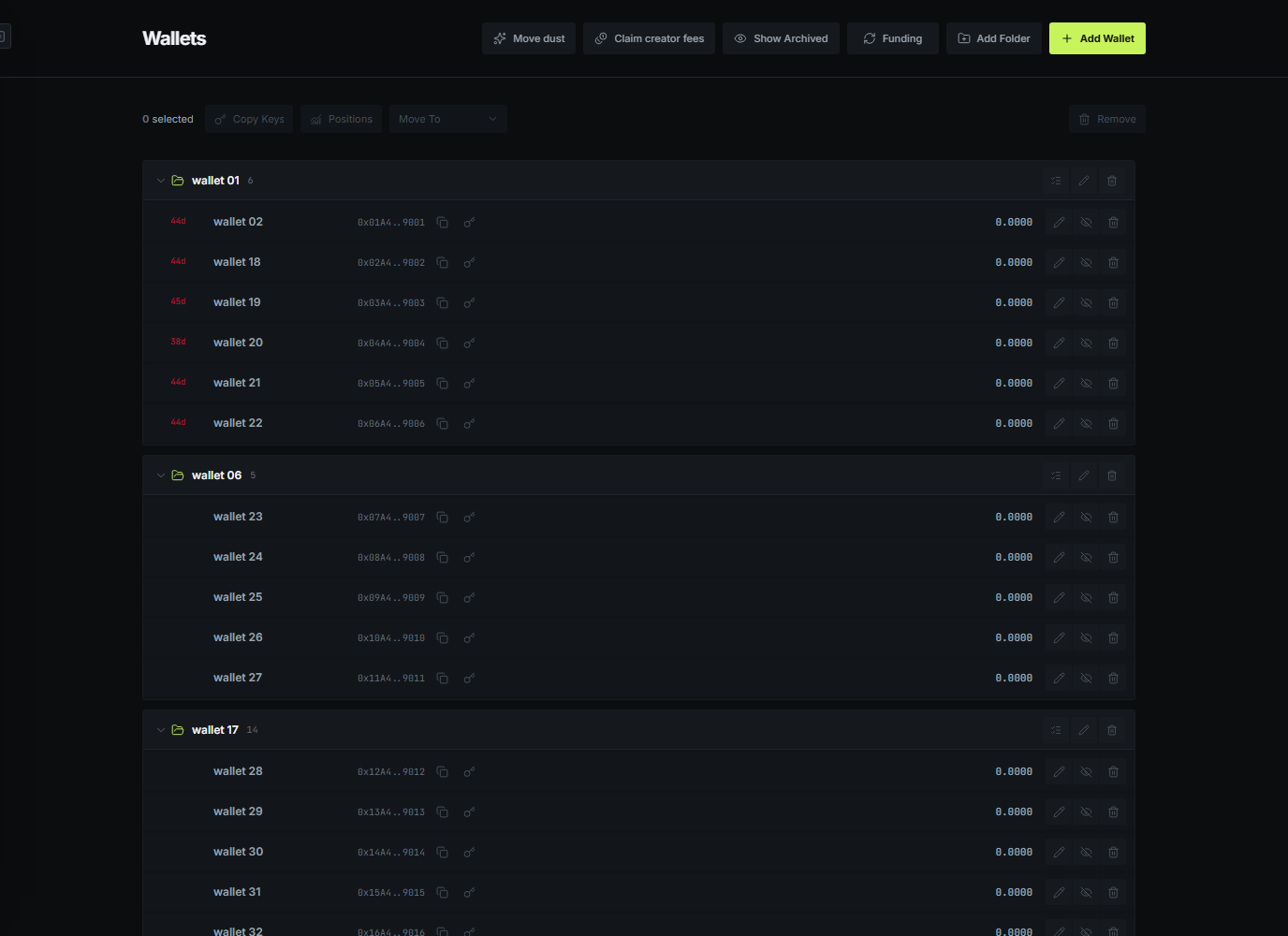
Wallets can be created, imported, renamed, moved between groups, archived, or selected as a full group. Archiving removes a wallet from new selectors without removing its historical activity from PNL.
Fund the wallets
Open Private and select the sources and destinations. Public distribution is best when visible links are fine. Private Funding is designed for routes where the final wallets should not receive directly from the original source.
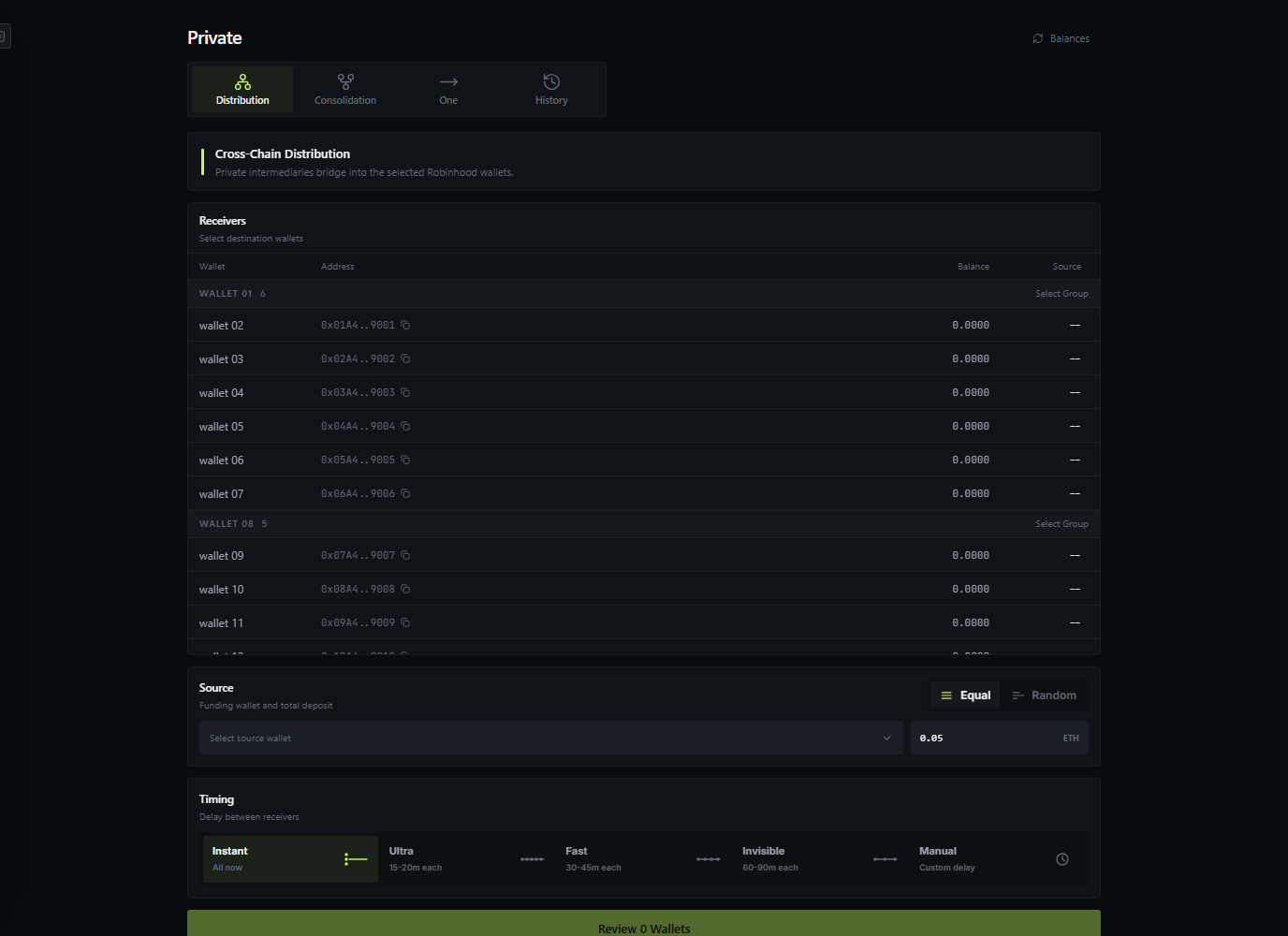
Timing controls let you choose a faster distribution or spread the final receipts. The preview shows what will be funded before any deposit is sent.
Create the project
In Projects, add the token name and ticker, choose a launchpad, then choose how the launch should begin. Select the dev wallet before configuring its position. In Bundle, select the wallet group and enter the total supply wanted across the whole bundle.
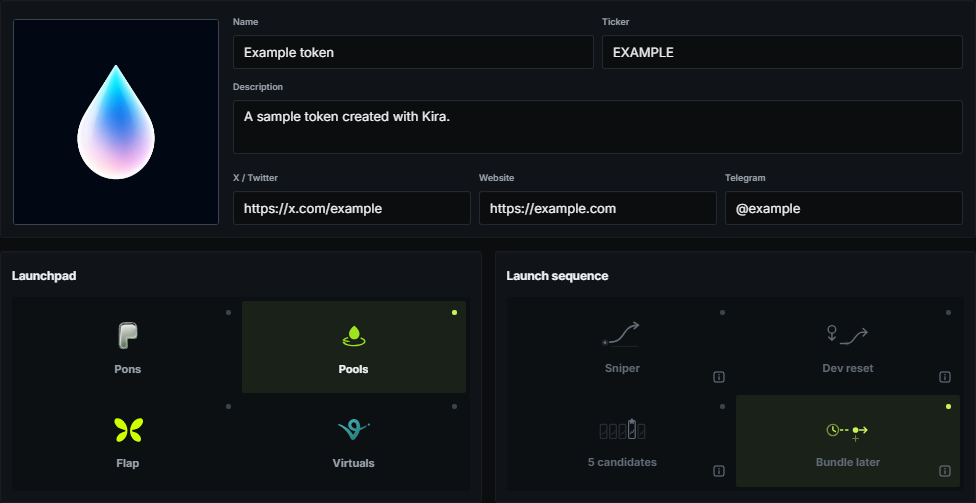
Kira calculates different wallet sizes from the selected balances and the live launch curve. The Launch page stays blocked until the current setup is complete and funded.
Launch and manage
The Launch page shows the final order in a short readiness view. After creation, open Chart to follow confirmed trades, buy or sell with managed wallets, use dev controls, and review the same PNL across the sidebar and Instant Trade panel.